【Voltage Compatibility】
When using electrical appliances, please note that they are designed for Japanese voltage specifications (90-110V), so if you use them with a different voltage, it may cause a malfunction.
【Plug Type】
Our products use Japanese plug types (A or B type).
Please use a conversion adapter if necessary.
【Important Note on Transformers and Adapters】
A transformer adjusts voltage to match your device’s requirements.
A conversion adapter only changes the plug shape and does not adjust voltage.
Using only a conversion adapter without a transformer may result in damage to the product.
【Liability】
We are not responsible for malfunctions or damages caused by improper use, such as operating the product without a transformer.
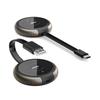
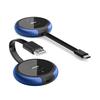
[Upgraded version! Up to 6 receivers can be added] By pairing with AIMIBO's wireless HDMI transmitter (B0DQSHYC37, B0CSJP3WW5), you can add up to 6 receivers.
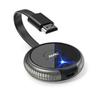
[Multi-functional HDMI transmitter/receiver] AIMIBO is a wireless HDMI transmitter equipped with the latest function "multicast". By connecting to an HDMI output device, you can watch the audio and screen from your laptop, desktop (mini PC, all-in-one, etc.), TV stick, camera (video camera, security camera, etc.) using the dedicated app [TuTuPlay] for iOS/Android smartphones and tablets.
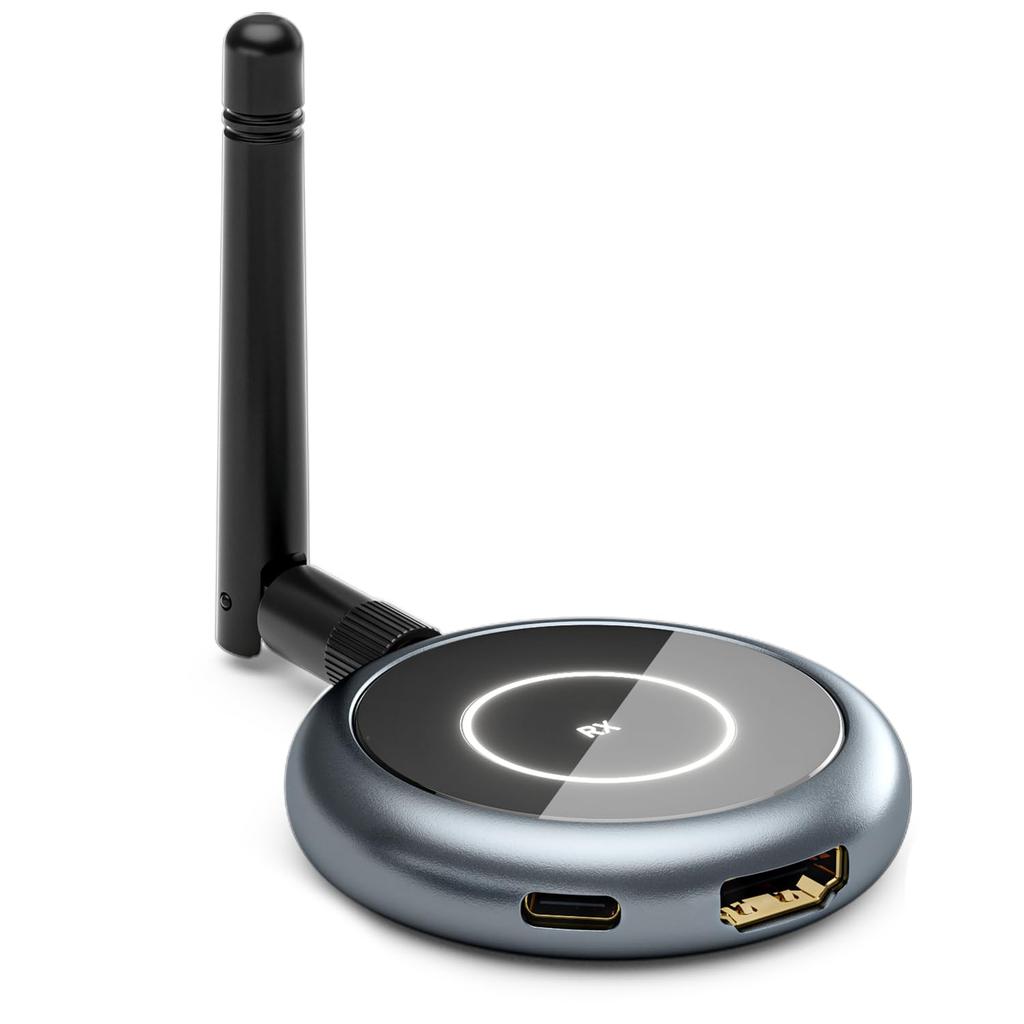
[Receivers can be added] This wireless HDMI extender allows you to connect one transmitter (TX) to up to 6 receivers (RX) at the same time. Just perform the pairing process the first time, and the next time you connect, the HDMI signal from the transmitter and receiver will be automatically transferred wirelessly. Can output to up to 4 devices simultaneously. Please note that as the number of receivers increases, the wireless transmission distance will decrease. Distances listed are line-of-sight distances without obstructions. [Note: RX only]
[Full use of smart devices] ① Check the sender's screen on your smartphone at the filming location... ② Use your iOS or Android tablet as a second display when working from home to improve work efficiency... ③ Use your tablet as a monitor while traveling or on a business trip to wirelessly display the screen of a mini PC, stick PC, etc. It can be used in a variety of situations.
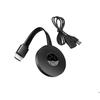
[Note & Connection Method] AIMIBO HDMI wireless transmitter/receiver does not require Bluetooth or Wi-Fi. Please check before purchasing: ① It is necessary to install the dedicated app [TuTuPlay] on your smartphone or tablet. ② When adding a receiver, pairing is required. Connection method: 1. Connect the HD port of the receiver to the video input port of the display device, such as a display or TV. 2. Connect the charging cable to the receiver's Micro power outlet, plug it into the power adapter or Micro power outlet (voltage 5V current 1A), and turn on the receiver's power switch. 3. Adjust the HD signal source of your display or TV to the corresponding HD port, turn on the receiver and connect successfully until the screen appears. 4. Ship the transmitter to your computer or device with HD video output capability. For initial setup, the new receiver must be paired separately from the transmitter. Press and hold RX for about 3 seconds, then press and hold TX until the indicator light starts blinking. Wait approximately 10 seconds for the connection to be established and complete the projection.
[Service Warranty] The warranty period is 12 months from the date of purchase. If there is an initial defect, we will replace the product with a new one or return it. If there is a problem with the delivered product or you have any questions about its use, please feel free to contact us! *How to contact: [Account Service] - [Order History] - [Order Details] - [Contact Seller].
1


 Rambursare în caz de nelivrare