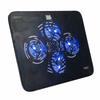
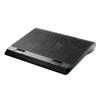
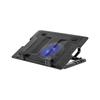
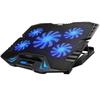
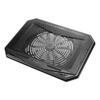
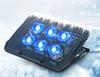
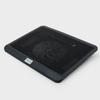
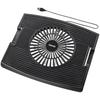
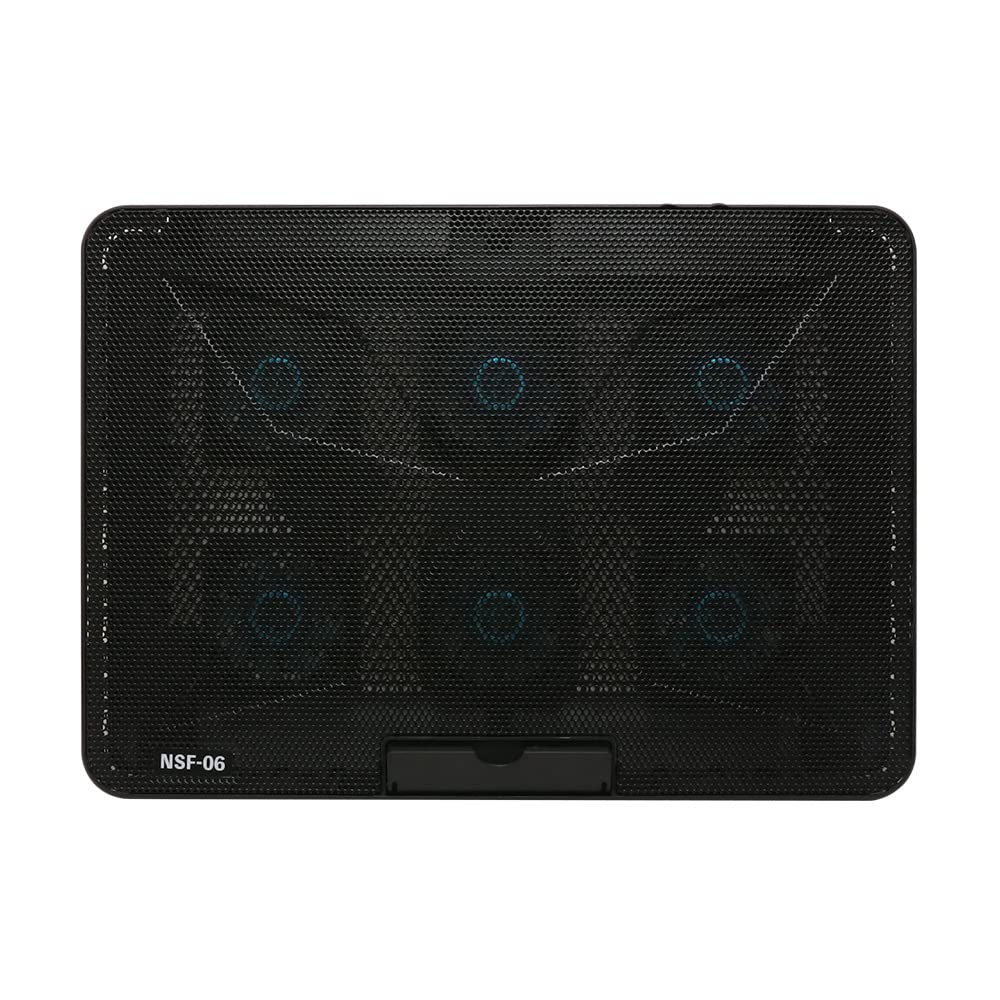
Răcitorul perfect pentru laptop pentru supraîncălzirea laptopului tău.
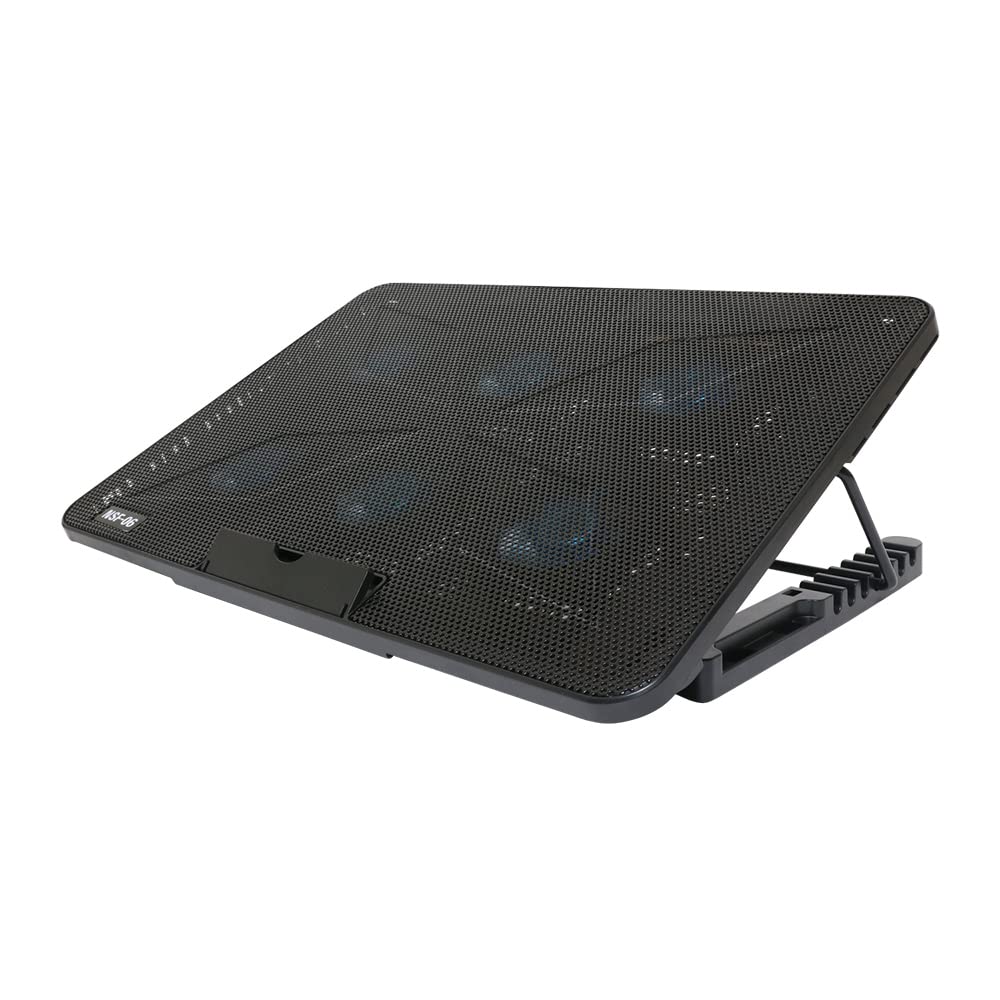
Acest suport vă permite să plasați laptopul pe el pentru operare confortabilă și răcire cu ventilatorul său mare.
Supraîncălzirea poate duce la performanțe slabe și la o durată de viață scurtată a produsului.
Prin ridicarea laptopului și direcționarea fluxului de aer al ventilatorului, puteți preveni acumularea de căldură.
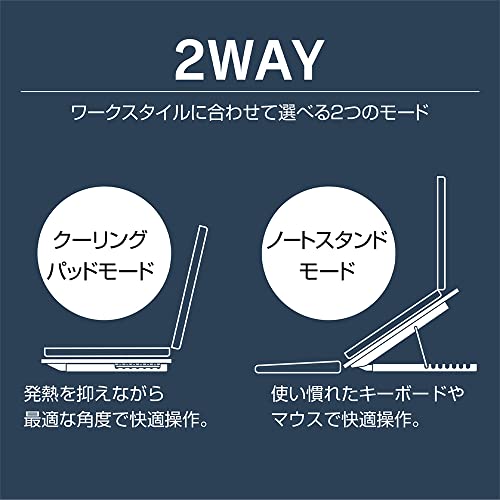
Două moduri de stat în picioare pentru a se potrivi nevoilor dumneavoastră:
Alegeți dintre două moduri: „Mod Pad de Răcire” și „Mod Suport pentru Laptop”.
În modul „Cooling Pad”, puteți așeza laptopul pe suport și îl puteți utiliza ca atare.
Chiar și pe birouri cu spațiu limitat, puteți crea spațiu sub PC-ul dumneavoastră prin ajustarea unghiului pentru a crea disipare suplimentară a căldurii.
În modul „Suport pentru laptop”, puteți conecta periferice precum o tastatură și un mouse extern.
Puteți folosi ecranul laptopului dumneavoastră ca pe un monitor LCD, oferindu-vă aceeași senzație ca un PC desktop.
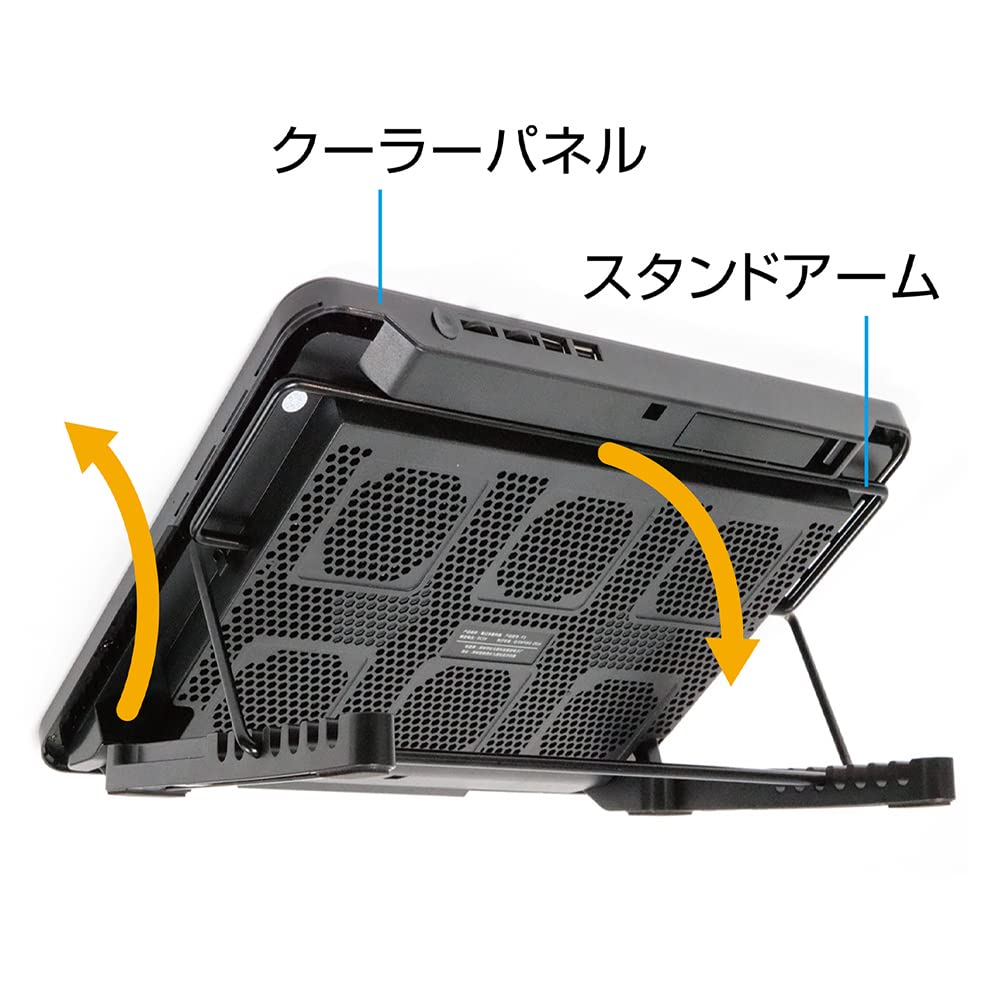
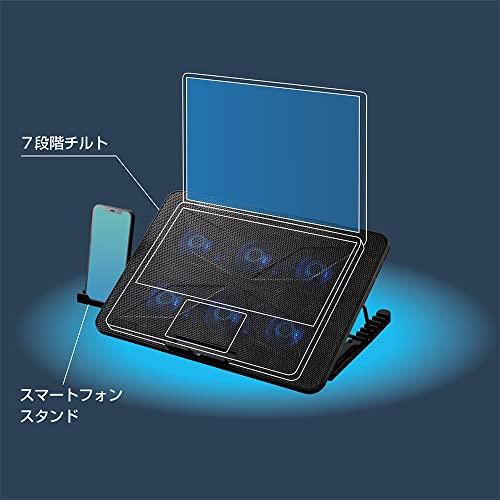
Obțineți unghiul de vizualizare perfect cu șapte setări de unghi.
Alegeți dintre două moduri: „Mod Pad de Răcire” și „Mod Suport pentru Laptop”.
În modul „Pad de răcire”, puteți pur și simplu să așezați laptopul pe suport și să îl utilizați ca atare.
Chiar și pe birouri cu spațiu limitat, puteți crea spațiu sub PC-ul dumneavoastră ajustând unghiul după bunul plac, permițând o disipare îmbunătățită a căldurii.
În modul „Suport pentru laptop”, puteți conecta periferice precum o tastatură sau un mouse extern.
Puteți folosi ecranul laptopului dumneavoastră ca pe un monitor LCD, oferindu-vă aceeași senzație ca un PC desktop.
Ajustare unghi în 7 trepte pentru unghiul perfect
Suportul are 7 setări de unghi, permițându-vă să alegeți între 0°, aproximativ 17°, aproximativ 23°, aproximativ 28°, aproximativ 30°, aproximativ 33° și aproximativ 36°. Puteți seta unghiul potrivit pentru sarcina dumneavoastră.
Porturi USB (Prin porturi) pentru Utilizarea Eficientă a Portului USB
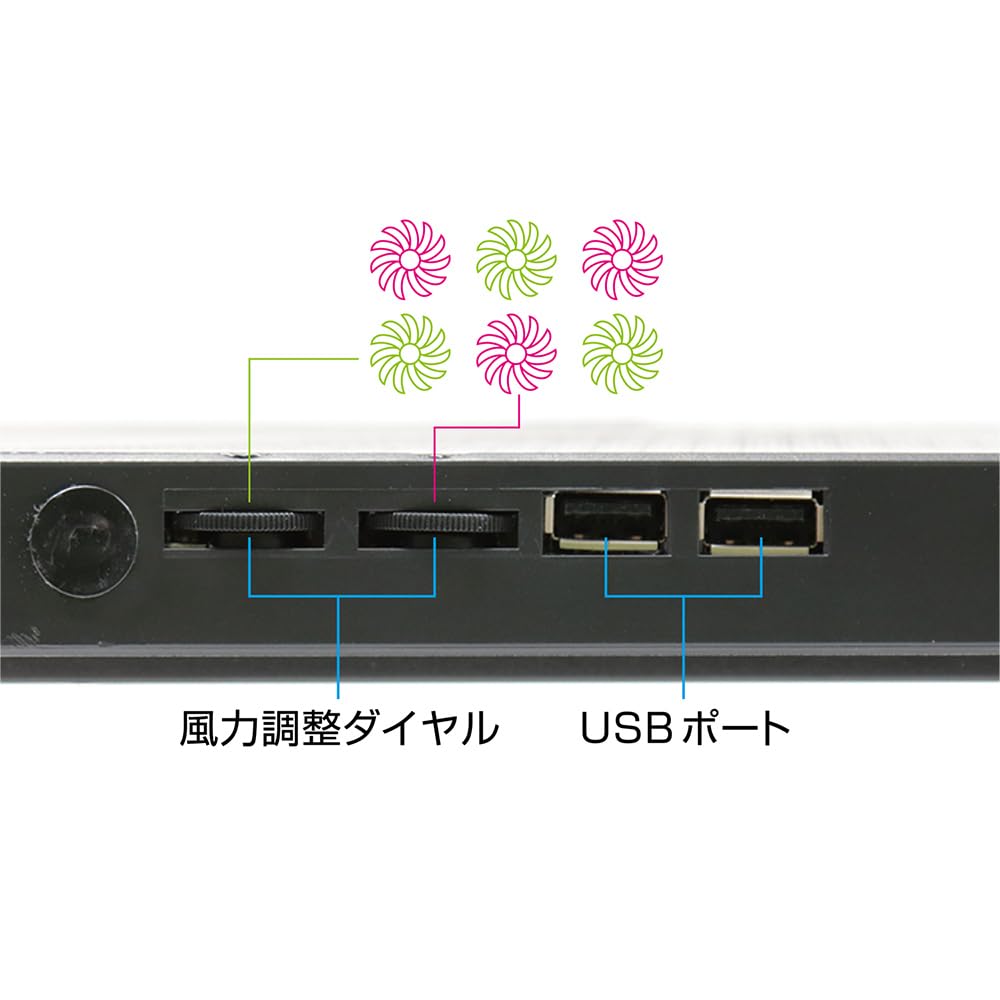
Acest suport este echipat cu două porturi USB-A, astfel încât îl puteți conecta fără a ocupa niciun port USB de pe laptopul dumneavoastră.
În plus, deoarece porturile USB de pe acest suport sunt conectate intern (prin porturi), pot fi folosite în același mod ca porturile USB de pe laptopul dumneavoastră.
Un panou perforat pe suprafața de montare a PC-ului îmbunătățește disiparea căldurii și ventilația.
Suprafața de montare a PC-ului dispune de un panou perforat cu respirabilitate excelentă și conductivitate termică.
Acest lucru permite căldurii să iasă mai ușor din carcasa PC-ului, prevenind supraîncălzirea laptopului dumneavoastră.
Compatibil cu o gamă largă de dimensiuni de laptop, de la 11,6 inchi la 15,6 inchi.
Acest design este compatibil cu o gamă largă de dimensiuni de laptopuri, de la 11,6 inci până la 15,6 inci, astfel încât poate fi folosit cu o varietate de laptopuri, fie că sunt pentru uz casnic sau pentru muncă, atâta timp cât se încadrează în intervalul de dimensiuni compatibile.
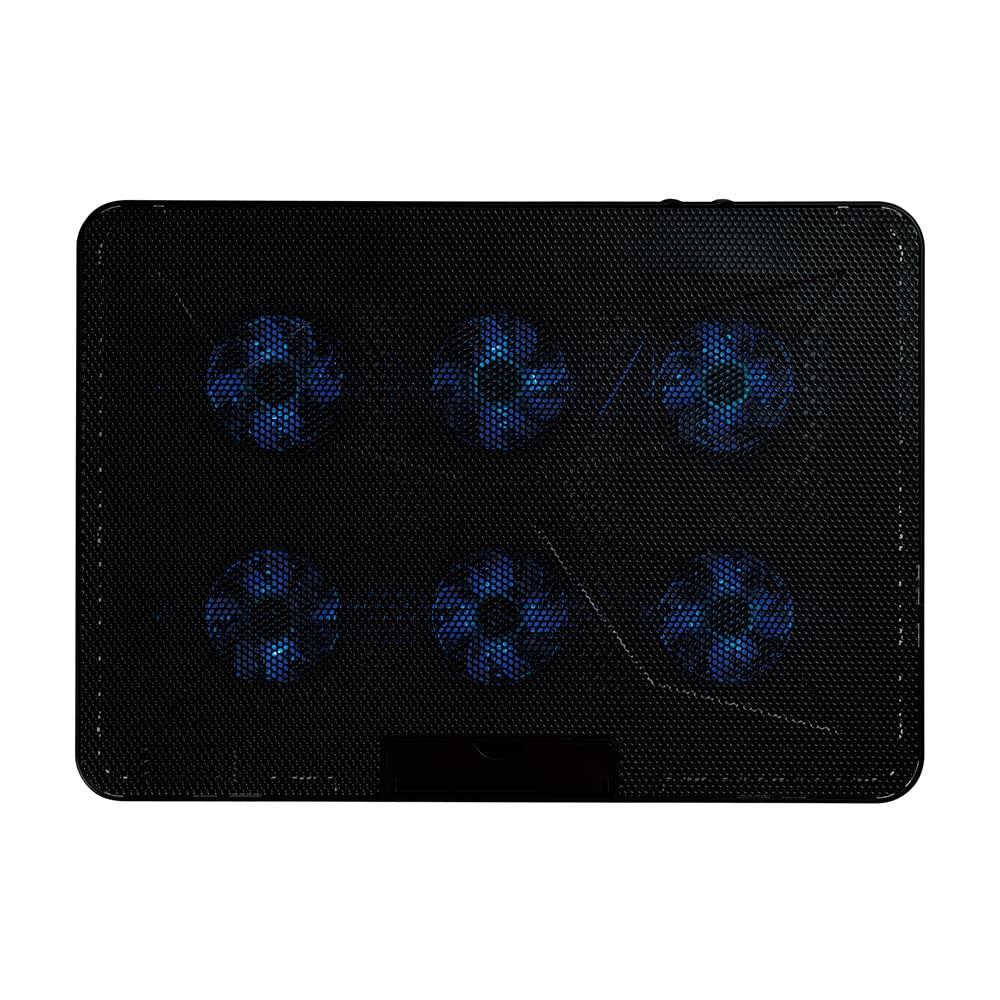
Lumină LED albastră elegantă pe ventilator
Un LED albastru vibrant se aprinde când alimentarea este pornită. Puteți vedea dintr-o privire dacă alimentarea este pornită sau nu.
*Lumina LED nu poate fi oprită separat. *Lumina LED nu poate fi oprită separat.
Reglarea continuă a ventilatorului
Ventilatorul are un selector de reglare a puterii care vă permite să ajustați fluxul de aer pentru a se potrivi utilizării laptopului dumneavoastră.
Puteți regla fin fluxul de aer pentru a se potrivi nevoilor dumneavoastră, cum ar fi setarea acestuia pe „low” imediat după utilizarea PC-ului și pe „high” când navigați pe web.
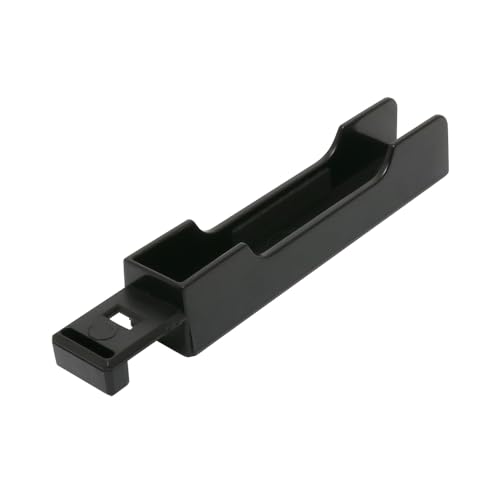
Include un suport pentru smartphone
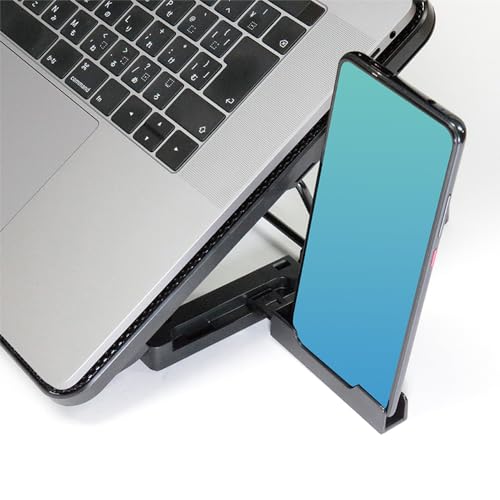
Include un suport pentru smartphone care vă permite să plasați smartphone-ul lângă suport.
Puteți plasa smartphone-ul fie pe partea stângă, fie pe partea dreaptă, în funcție de sarcina pe care o aveți de îndeplinit.
Cum se folosește
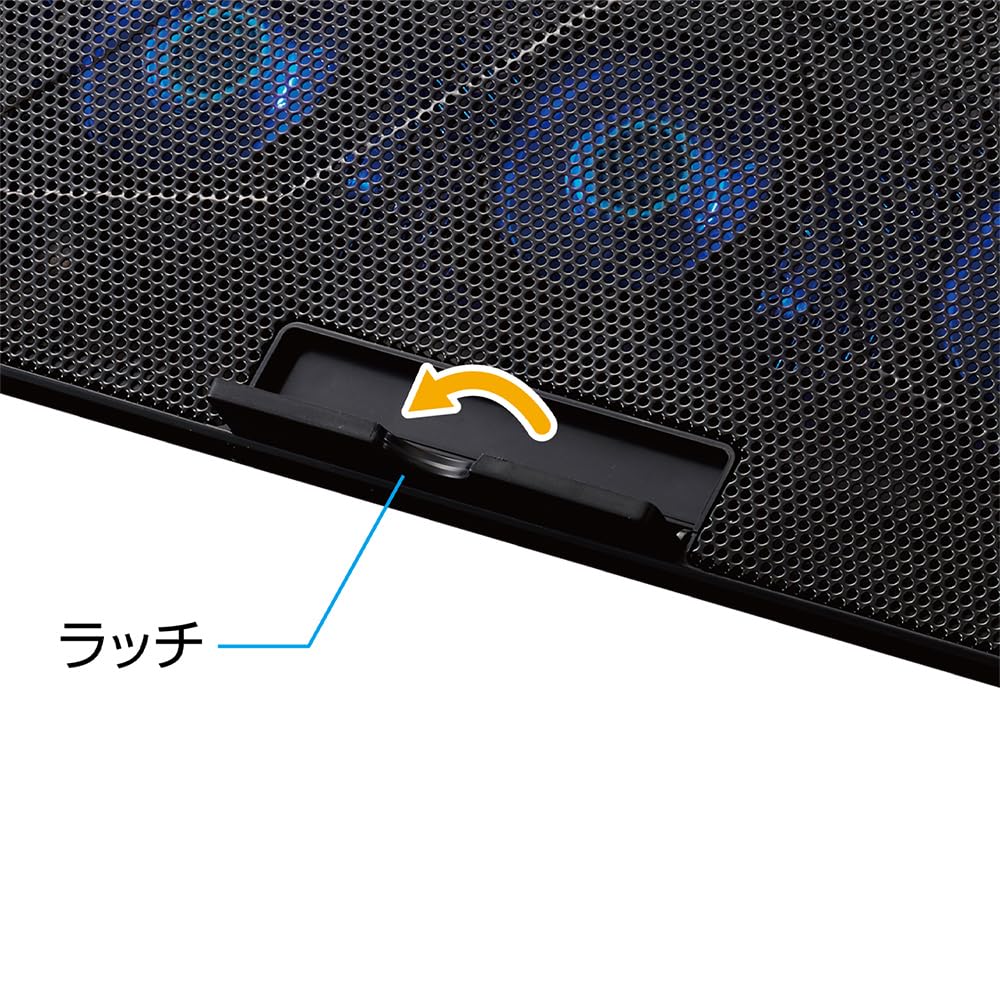
1. Deschideți panoul de răcire și coborâți brațul suportului pentru a-l alinia cu fanta de reglare preferată.
2. Deschideți cele două zăvoare din partea inferioară a panoului și așezați laptopul pe panoul de răcire.
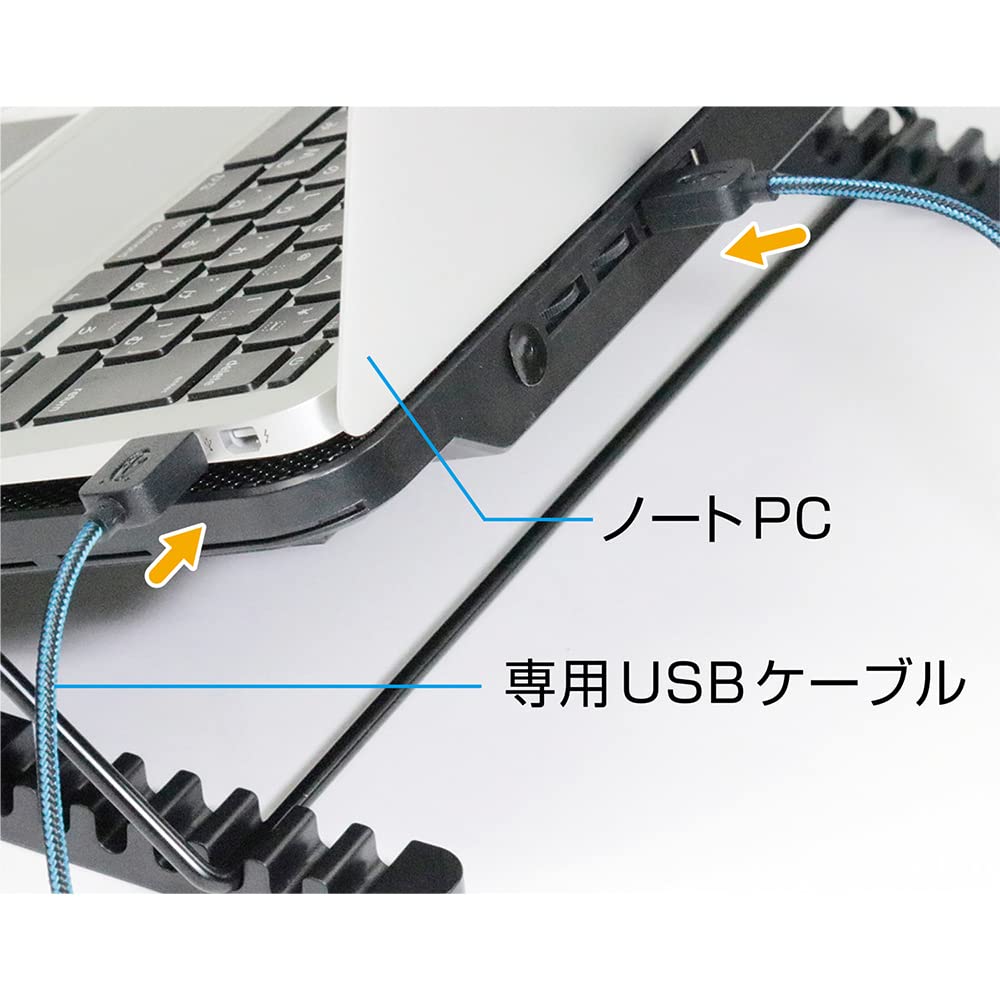
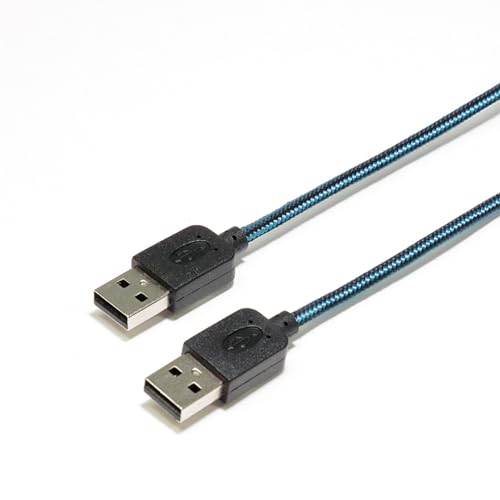
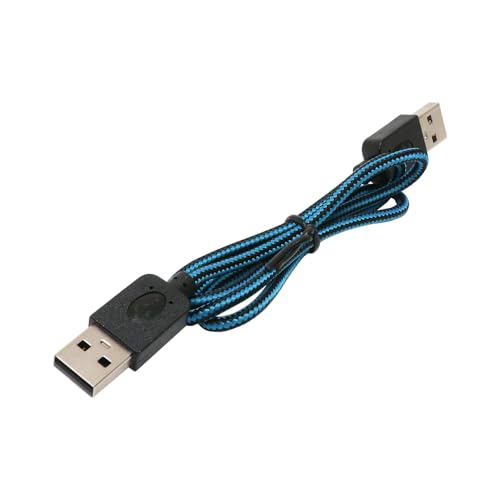
3. Utilizați cablul USB inclus pentru a conecta portul USB al laptopului dumneavoastră la portul USB de pe această unitate și la portul USB de pe această unitate.
4. Rotiți cele două cadrane de reglare a vitezei vântului. Viteza vântului poate fi reglată în trepte de câte trei.
*Oricare port USB de pe această unitate poate fi folosit. (Prin port) *Vă rugăm să utilizați dispozitive cu consum redus de energie, cum ar fi un mouse sau un stick de memorie USB, cu portul USB al acestei unități.
*Nu utilizați această unitate pentru a încărca smartphone-uri sau dispozitive care necesită putere mare, cum ar fi hard disk-uri portabile.
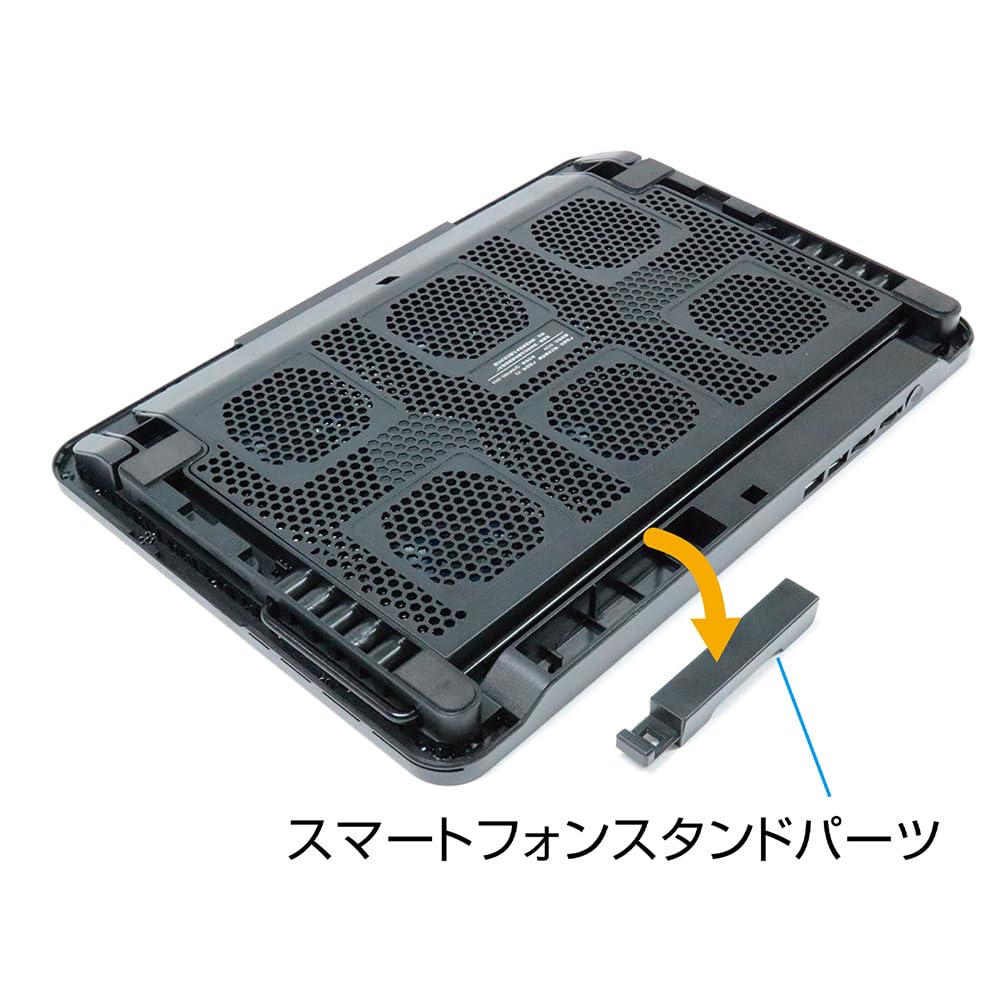
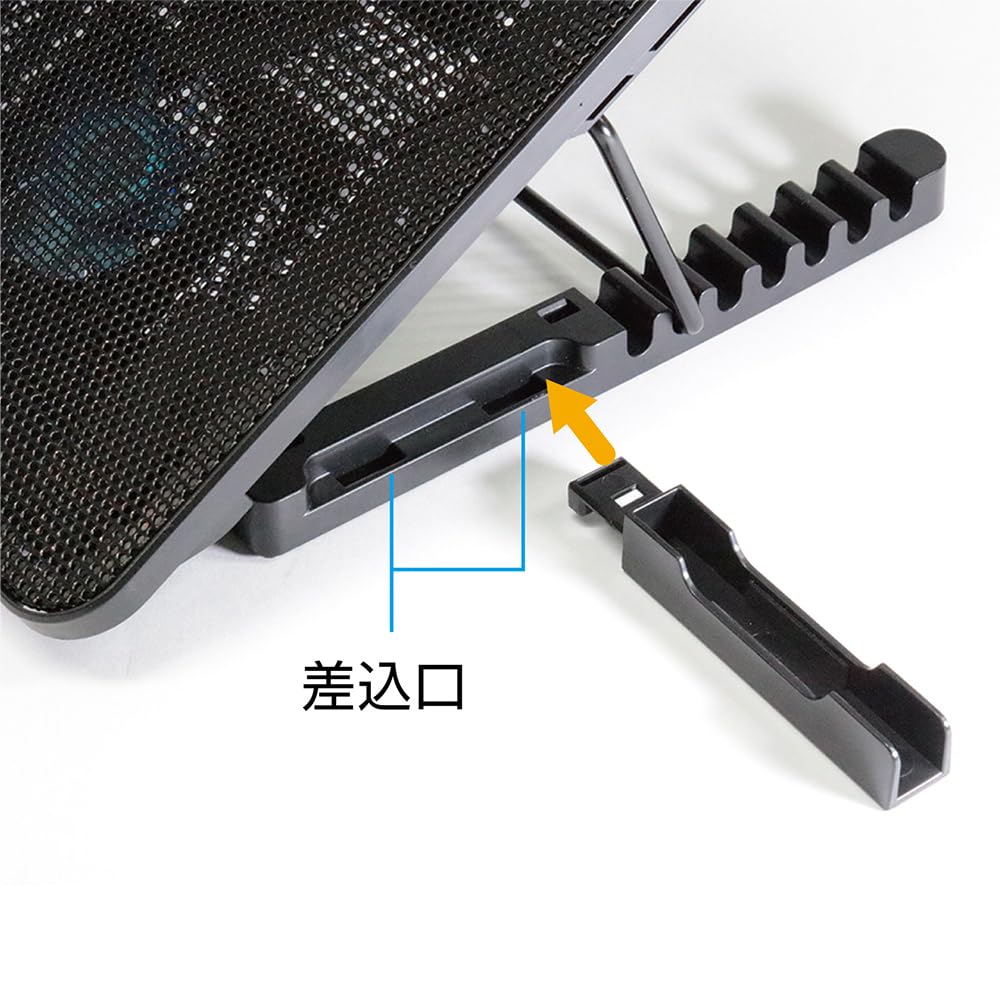
Cum se instalează suportul pentru smartphone
1. Îndepărtați partea suportului pentru smartphone atașată pe spate.
2. Există patru socluri, așa că atașați partea suportului pentru smartphone în poziția preferată.
●Dimensiune laptop compatibilă: 11.6" - 15.6"
*Dimensiunile de mai sus sunt aproximative. Este posibil să nu fie compatibil cu unele laptopuri. Vă rugăm să verificați configurația laptopului dumneavoastră înainte de a cumpăra.
●Greutate suportată: Până la 3 kg
●Reglarea unghiului: 7 nivele (0°/aproximativ. 17°/aproximativ. 23°/aproximativ. 28°/aproximativ. 30°/aprox.. 33°/aproximativ. 36°)
●Dimensiunea unității principale: Aproximativ. L360 x A255 x Î27mm
●Greutate unitate principală: Aproximativ. 790 g
●Număr de ventilatoare: 6
●Dimensiune ventilator: Aproximativ. 60 x 60 x 15 mm
●Viteza de rotație a ventilatorului: 2100 +/- 10% rpm
●Viață de fan: Aproximativ. 10.000 de ore
●Zgomot ventilator: <32dBA
●Rulment: Rulment cu manșon
●Sursa de alimentare: USB DC5V / Aproximativ. 850mA (alimentat prin port USB)
●LED: 6 LED-uri albastre (sectorul fanilor) *Nu poate fi oprit.
●Terminale: 2 x Porturi USB A Femei (Compatibil prin port)
●Sistem de operare compatibil: Windows 11/10, macOS 10.10 sau ulterior
●Garantie: 6 luni de la data cumpararii
Acest cooler pentru laptop este ideal pentru supraîncălzirea laptopului tău.
Două moduri de stat în picioare pentru a se potrivi nevoilor dumneavoastră.
Reglare unghi pe 7 niveluri pentru vizualizare optimă.
Porturi USB (Prin port) pentru utilizare eficientă.
Panou perforat pe suprafața de montare a PC-ului pentru disipare îmbunătățită a căldurii și ventilație.


 Rambursare în caz de nelivrare