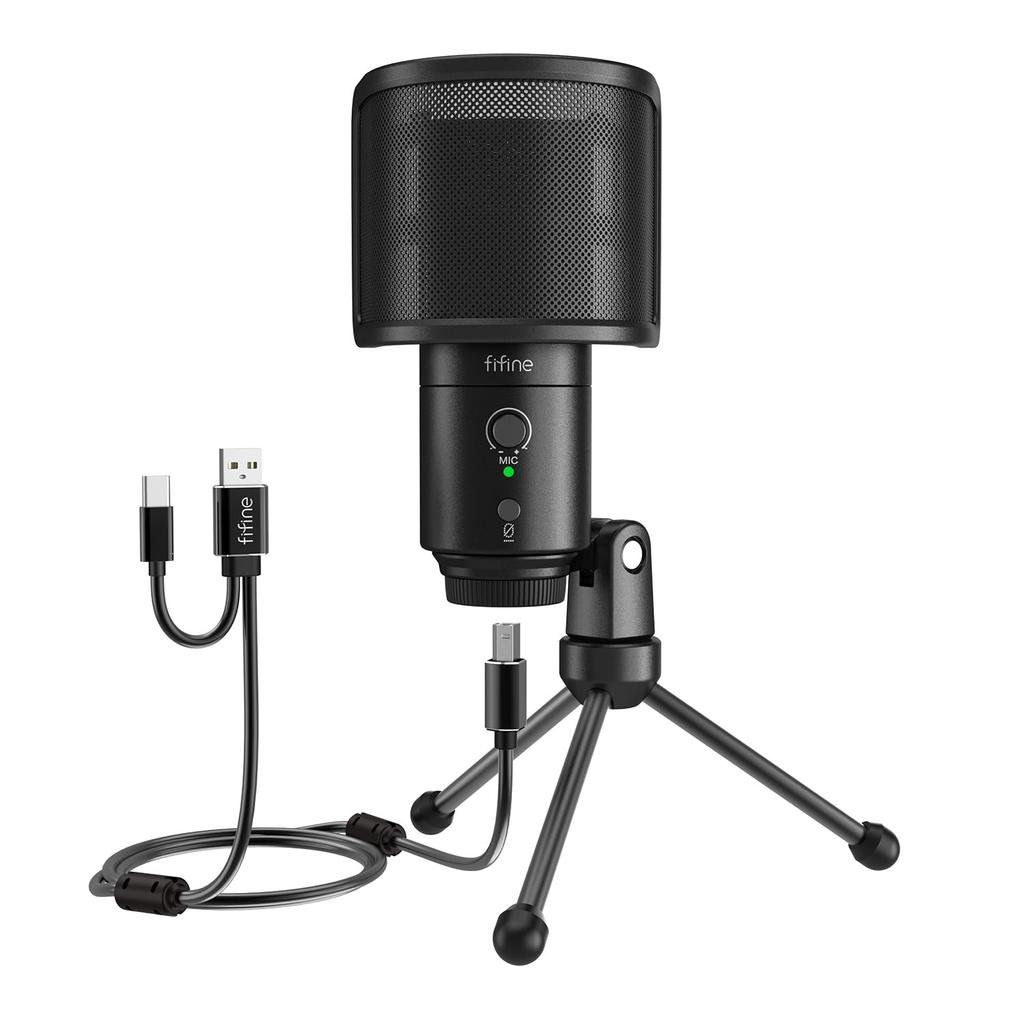
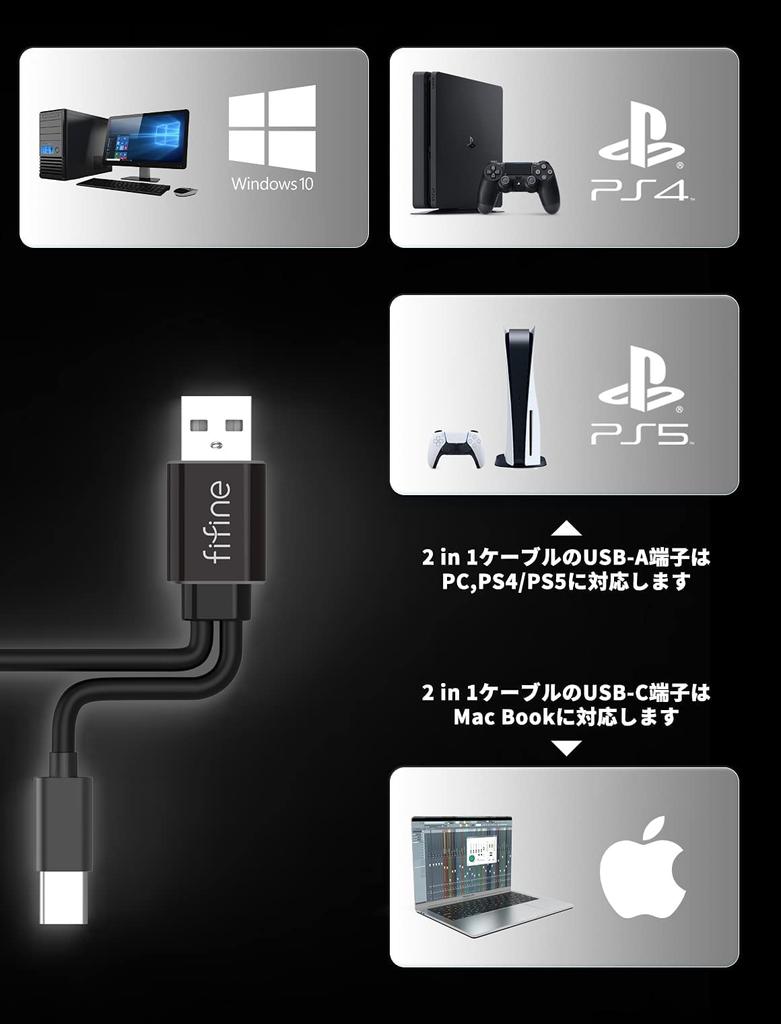
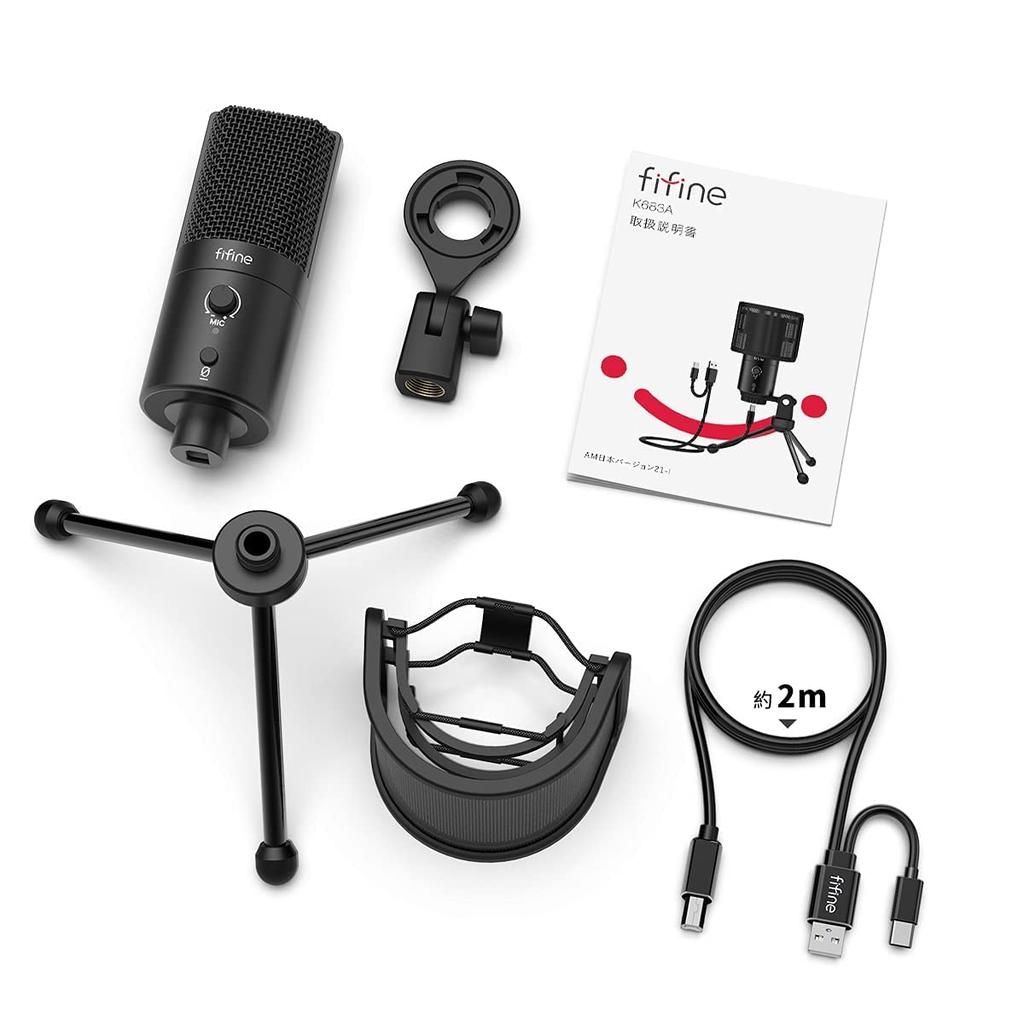
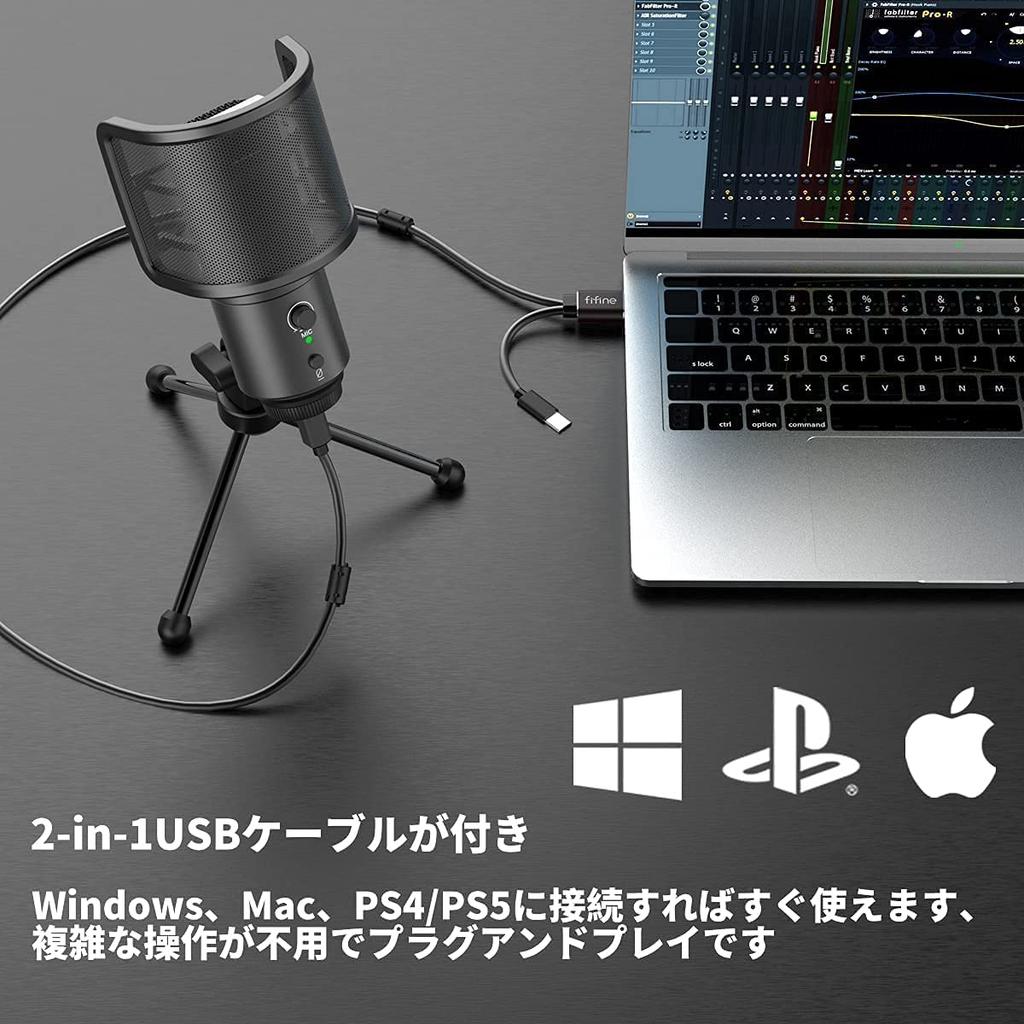
[Includes Splitter Cable for Easy Connection] A dual-head USB cable with USB-A and USB-C connectors is included. Simply connect it to a desktop PC, laptop, iPhone, iPad, PS4, PS5, etc. for instant use. (Not compatible with NS/Android smartphones/tablets.) The cable is approximately 2m long, allowing for greater mobility and portability.
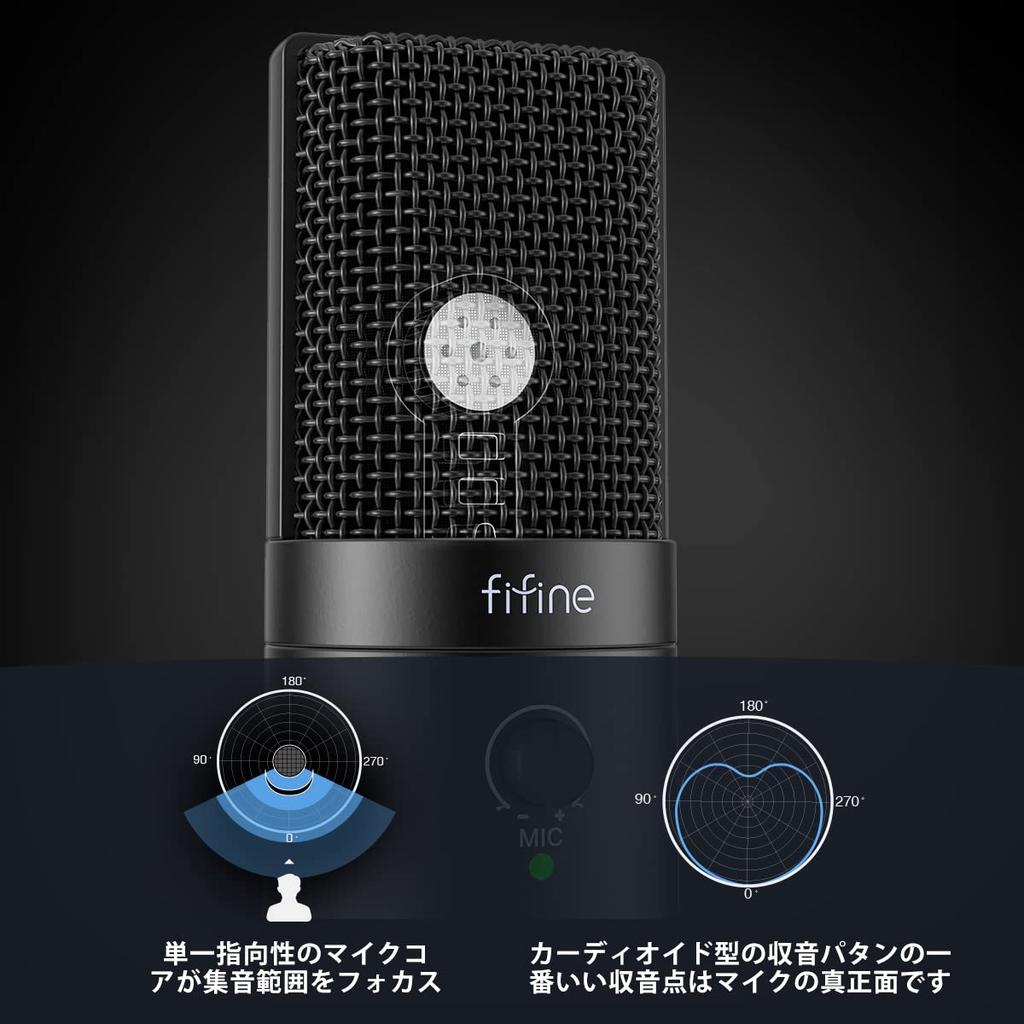
[Focused Pickup Range, 192kHz/24bit High-Quality Sound] The K683A is a USB condenser microphone with a cardioid pickup pattern, providing clear audio pickup across a wide frequency range. It delivers faithful audio for home studios, recordings, sound production, video production, and streaming. The unidirectional cardioid pickup pattern captures sound more accurately within a 130-degree range in front, ensuring clear audio reproduction.
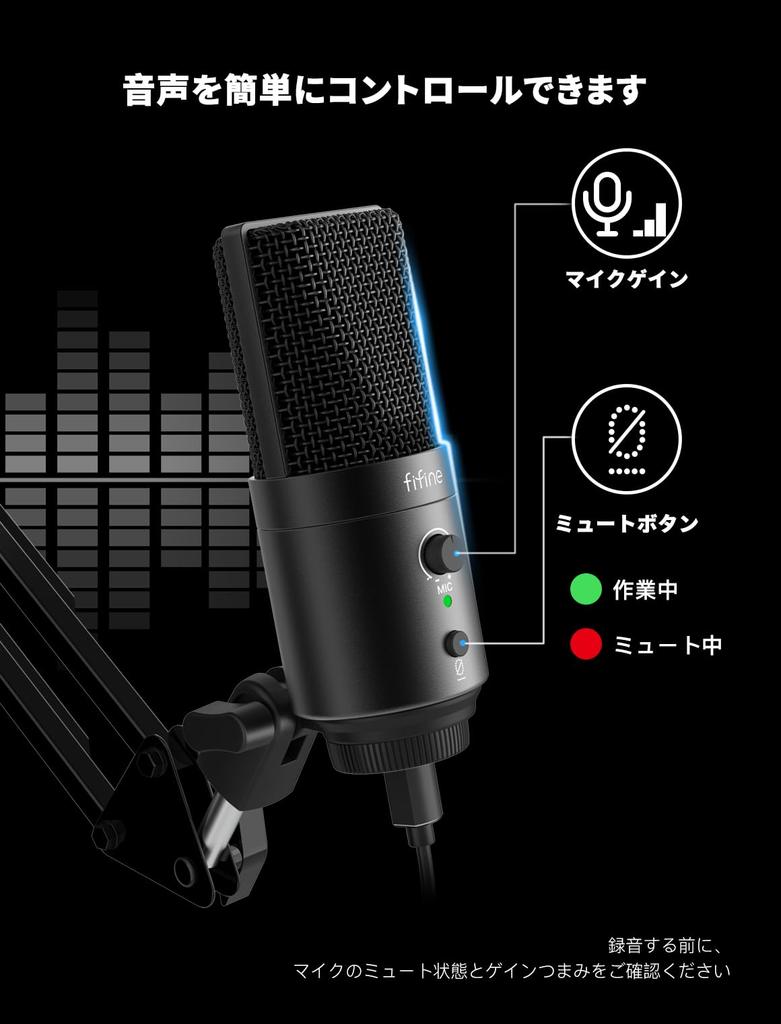
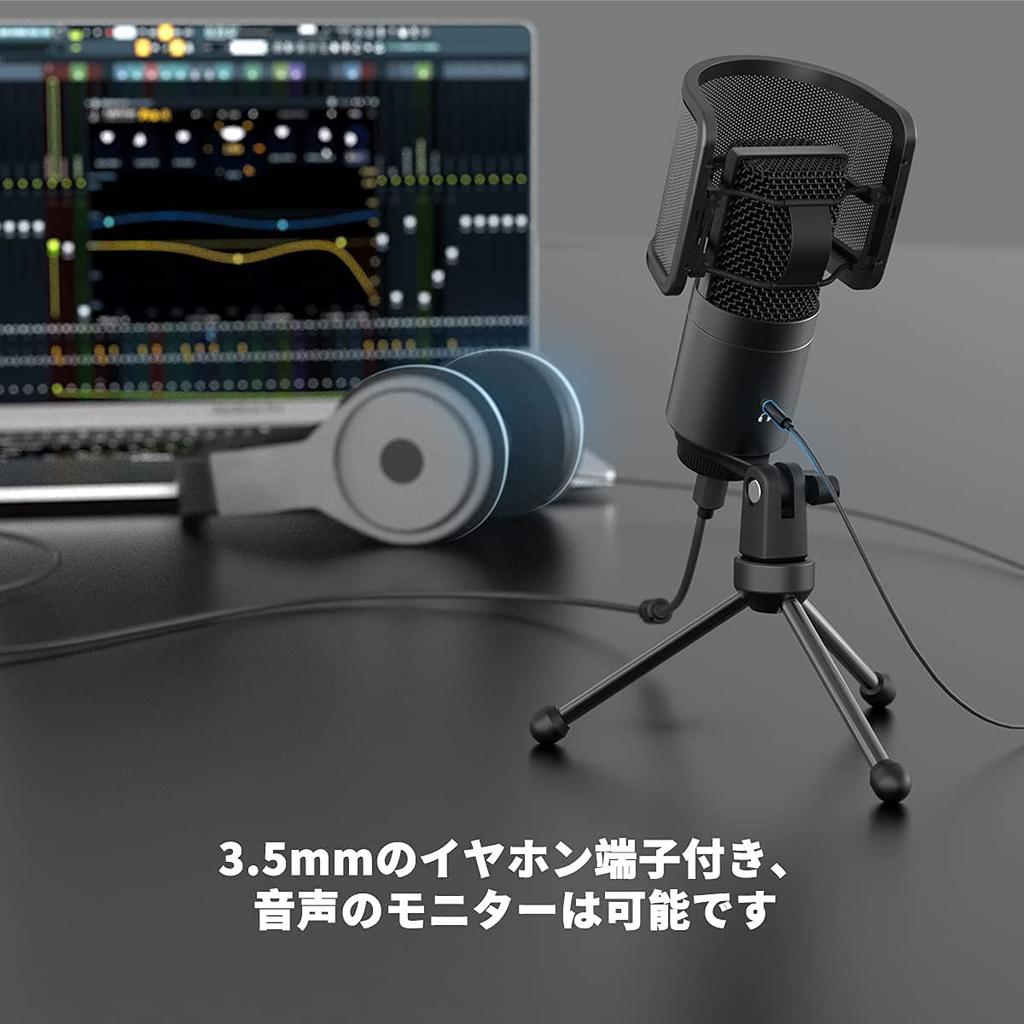
[Equipped with Mute Button and Earphone Jack] The microphone body is equipped with a mute button, volume control button, and a 3.5mm earphone output jack. You can adjust the input volume using the volume control knob or in the system sound settings. Combining these two settings minimizes noise. Connect the 3.5mm earphone output to the jack for lag-free audio monitoring. The mute button allows for quick muting with a single touch when you need to mute something, such as a cough or sneeze.
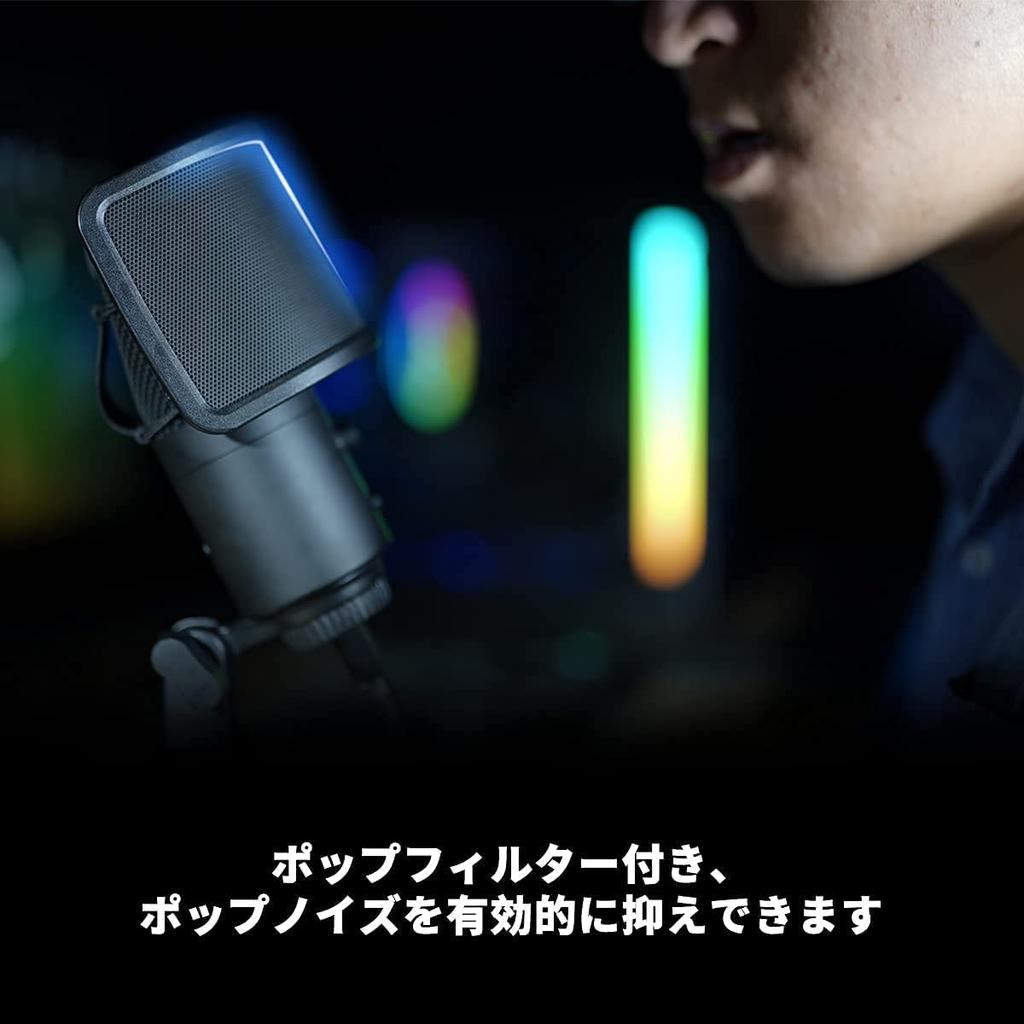
[Versatile and High-Quality] The microphone body is made of metal, giving it a heavy weight and a luxurious feel. It also comes with a foldable metal tripod stand and an easily attachable pop filter, providing a durable, clean, and comfortable recording environment. When used as an external microphone, it provides a comfortable recording environment for YouTube, Instagram, TikTok, game commentary, recording, interviews, voice chat, karaoke, live streaming, teleworking, telecommuting, Zoom meetings, TV classes, Twitter, TwitCasting, Niconico Video, Skype/Discord/LINE calls, live broadcasts, and recording instruments, music, and programs. (Not compatible with Xbox)
[Notes] 1. When using a microphone, please check the distance between the sound source and the microphone. Placing the microphone too close to the sound source (such as your mouth or an instrument) may cause noise, static, or sound distortion. The recommended distance is 15-30cm. 2. After connecting the microphone to a computer or other device, be sure to select "fifine micophone" as the input device in "Input Device." Before recording, first adjust the microphone gain knob from a low level to an appropriate level. (Please also check the mute button for operation.) 3. For better recording results and a smoother connection, please use the USB cable included in the product package.


 Rambursare în caz de nelivrare