---------------------------------------------------
【Voltage Compatibility】
Our products are selected to support international voltage ranges (e.g. 100–240V).
However, please make sure your local voltage is compatible before use, as incorrect voltage may still cause malfunction.
【Plug Type】
Our products use Japanese plug types (A or B type).
Please use a conversion adapter if necessary.
【Important Note on Transformers and Adapters】
A transformer adjusts voltage to match your device’s requirements.
A conversion adapter only changes the plug shape and does not adjust voltage.
Using only a conversion adapter without a transformer may result in damage to the product.
【Liability】
We are not responsible for malfunctions or damages caused by improper use, such as operating the product without appropriate voltage or equipment.
---------------------------------------------------
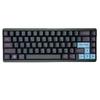
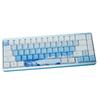
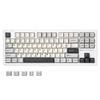
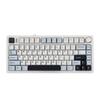
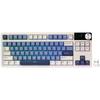
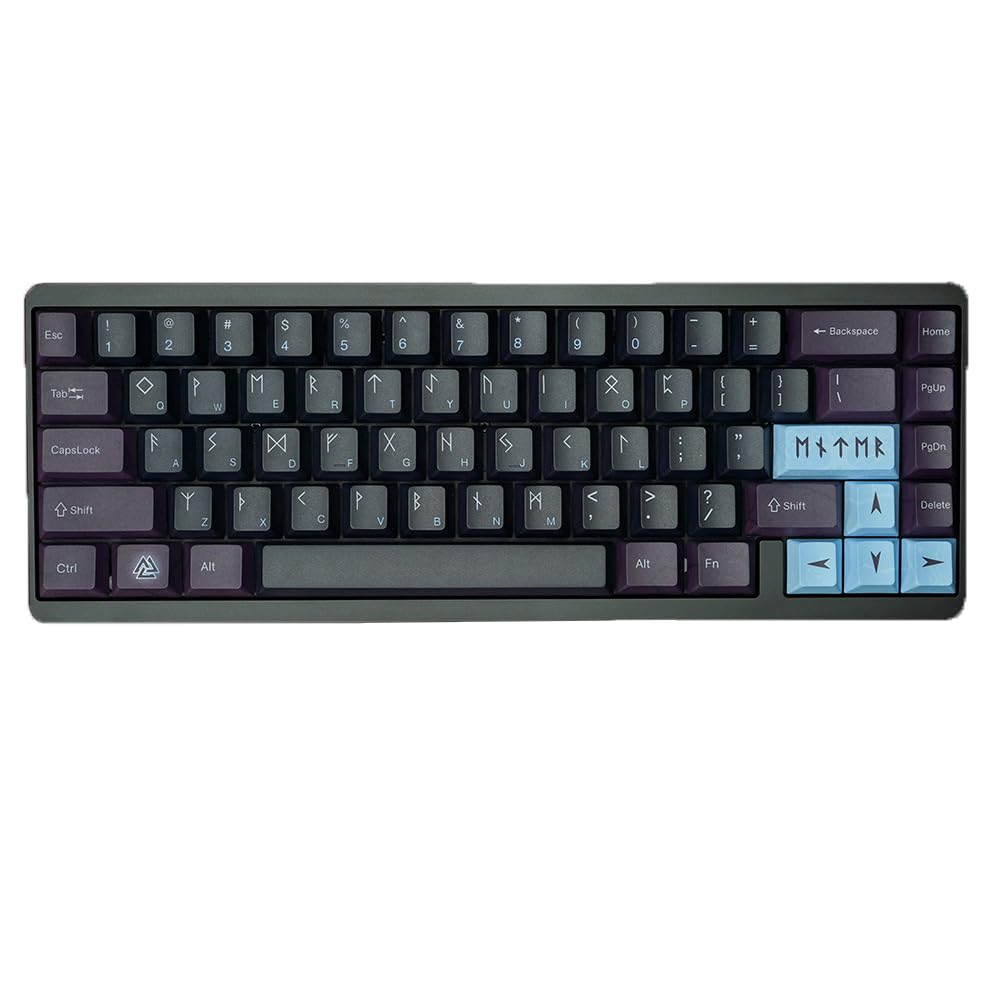
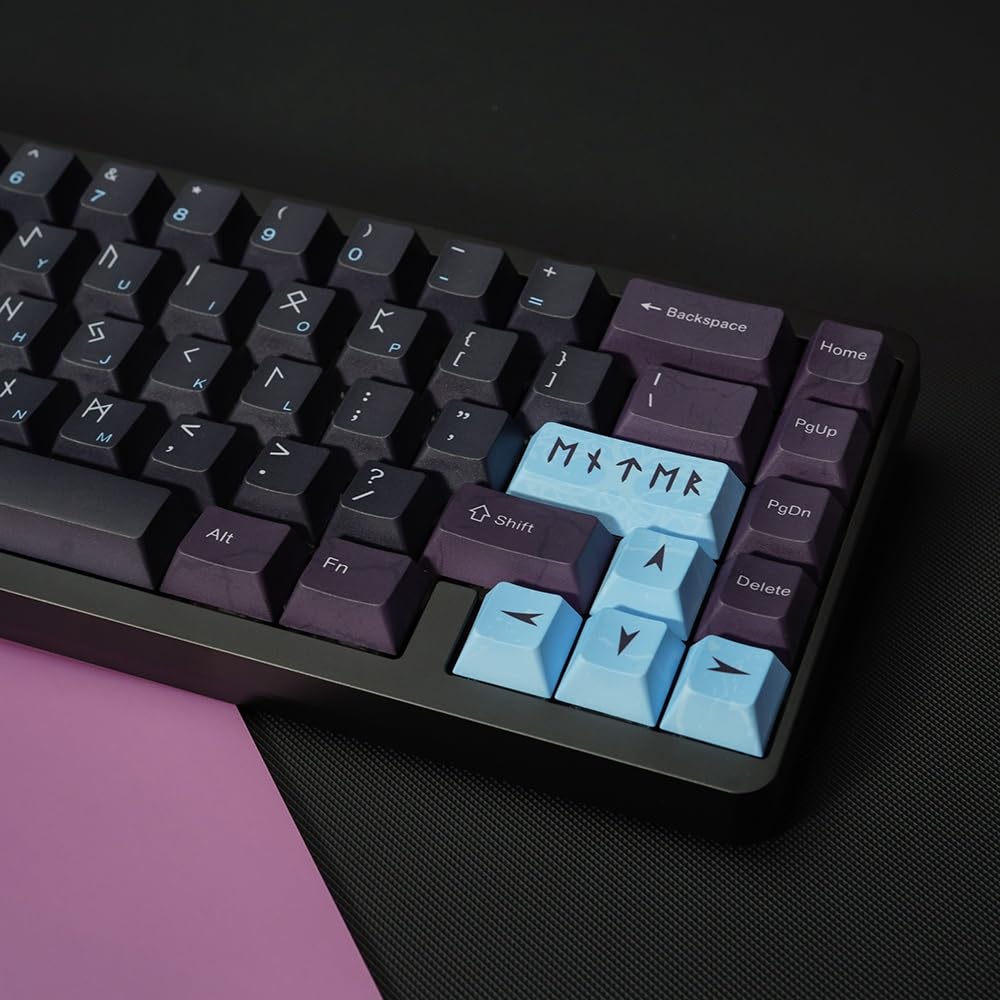
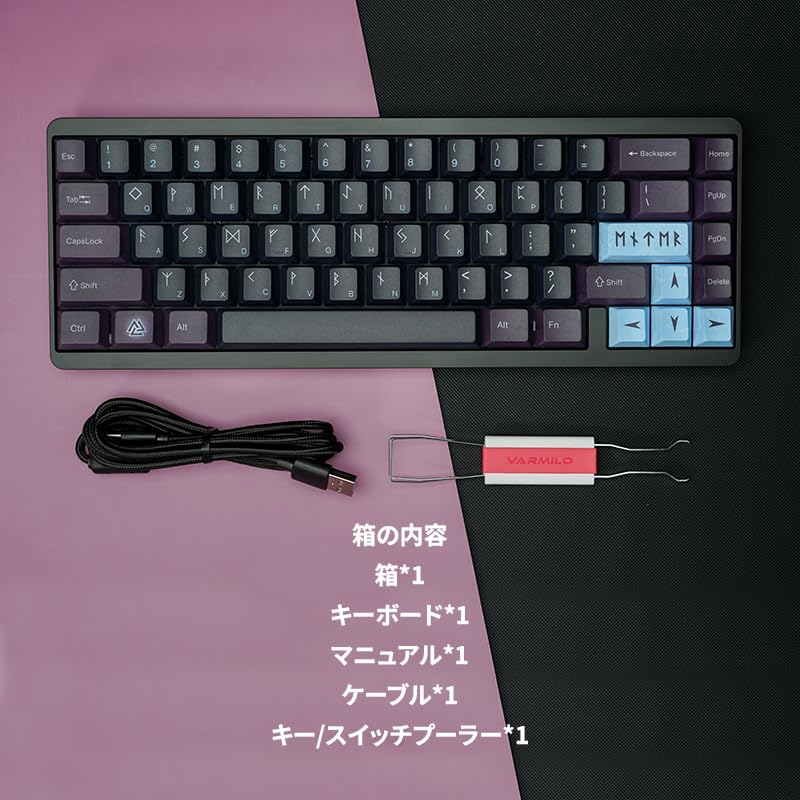
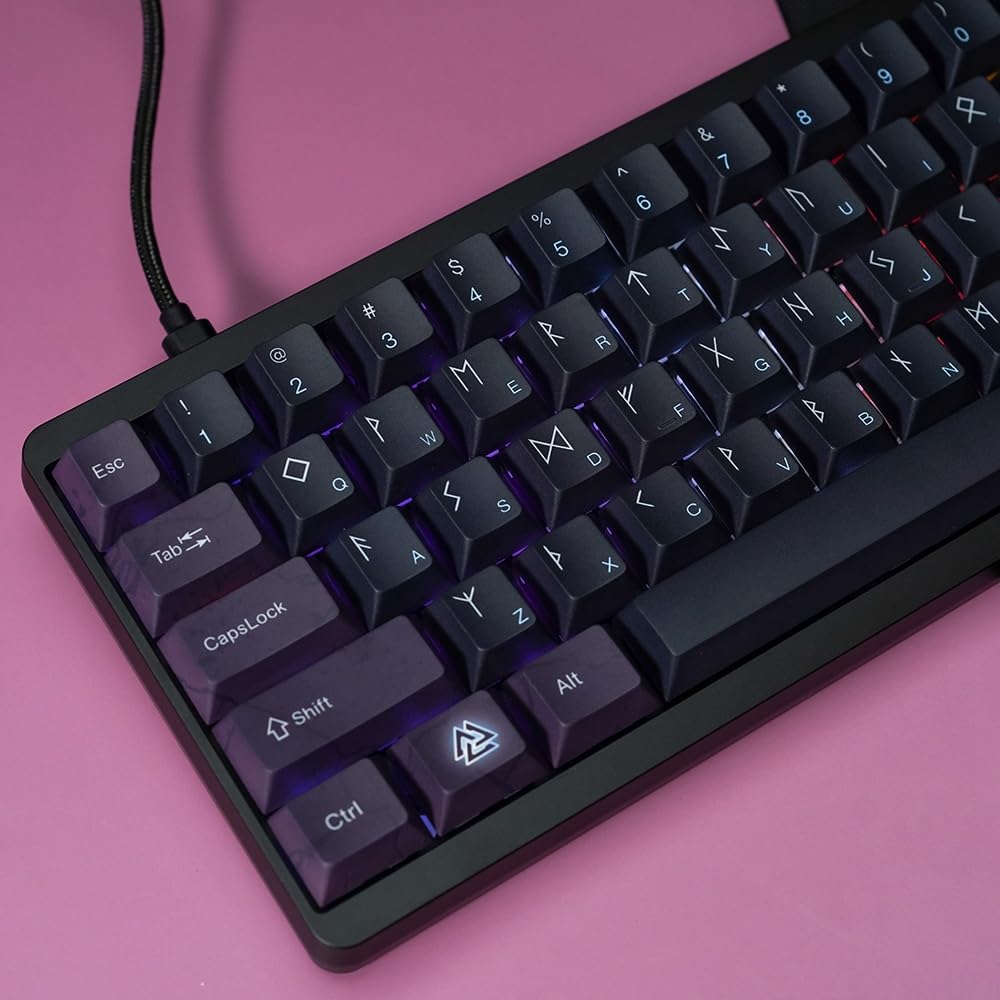
Excellent design theme: Inspired by Asgard in Norse mythology, "As Gard" uses ancient runes said to have been learned by Odin after he was hung from a tree for nine days. These runes, now extinct and used only in religious texts, add a mythical element to the design.
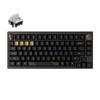
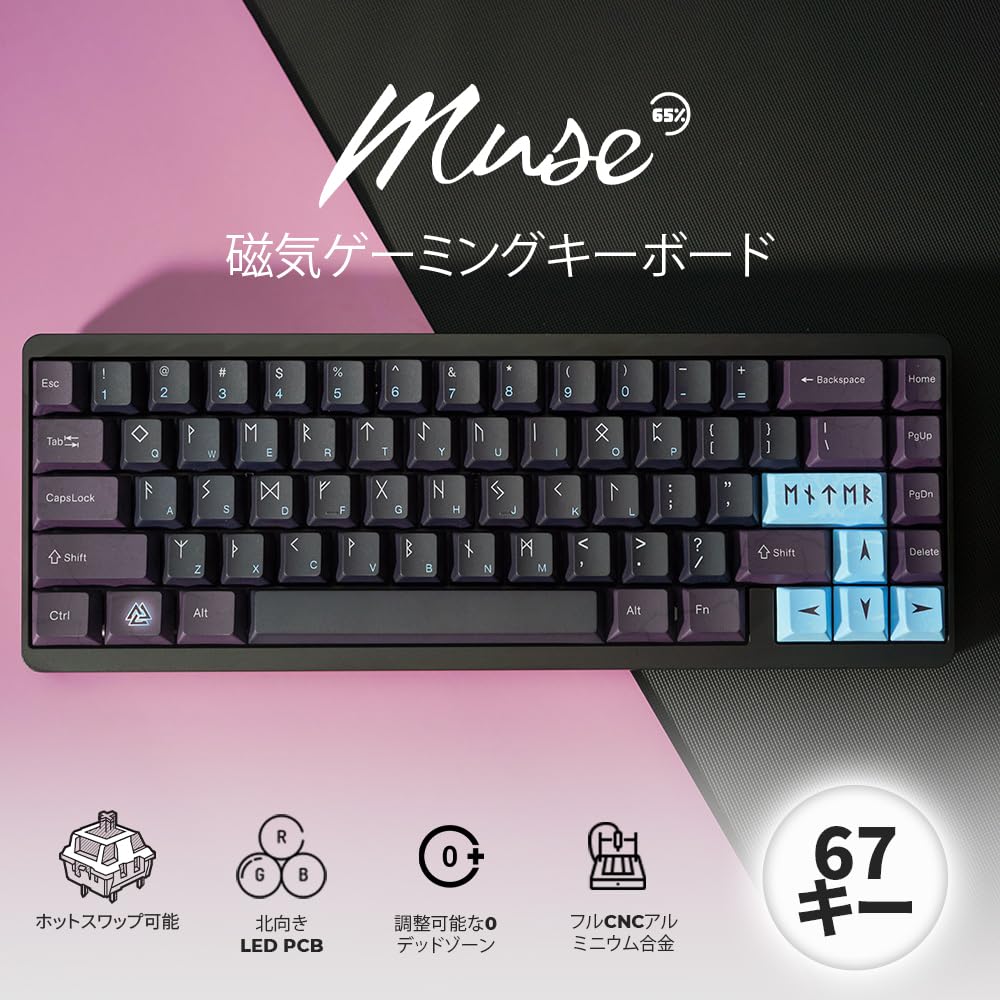
Next-Generation Gateron Magnetic Switches: The Varmilo MUSE65 keyboard features next-generation Gateron magnetic white switches. These switches provide smooth typing with their linear action and offer a variety of features, including rapid triggering, dynamic keystrokes, and adjustable trigger settings. Using dedicated driver software, users can adjust the key trigger point from 0.1 mm to 4.0 mm with 0.02 mm pixel precision.
Next-Generation Competitive Gaming Experience: Magnetic switches with features like dynamic keystrokes and rapid triggers significantly enhance your gaming experience. Easily adjust trigger points to your preference and activate various functions with a single keystroke. Rapid triggers provide instant input, which is extremely useful in competitive FPS titles.
Dynamic Keystroke Magic: The Varmilo MUSE65 features new magnetic switches with zero-dead-zone adjustment. Key trigger and bottom-out can be set individually. With a switch recognition accuracy of 0.02 mm, it provides precise and consistent typing feedback. Enhanced trigger control improves the user experience. Magnetic switches allow for instantaneous and rapid execution of multiple inputs.
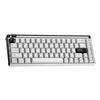
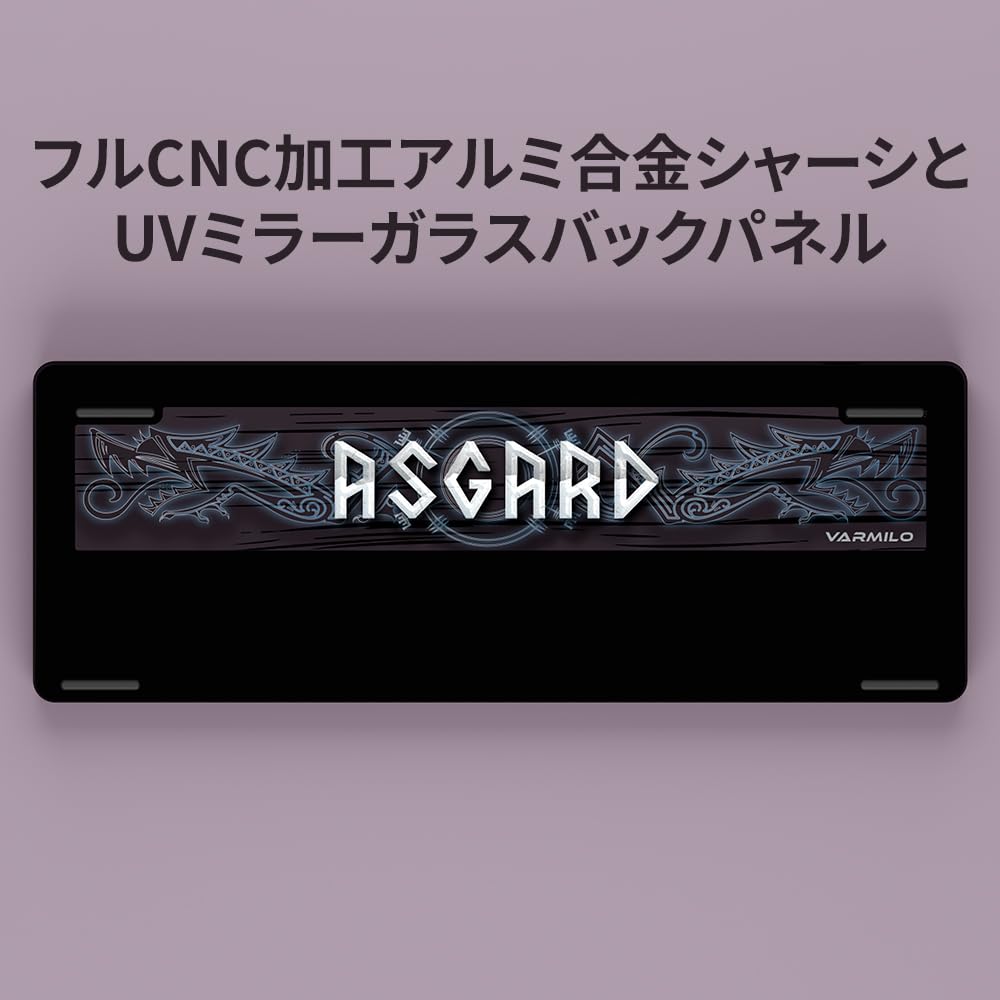
Premium Craftsmanship with a CNC-Machined Metal Chassis: The Varmilo MUSE65 gaming keyboard boasts excitement and energy thanks to its superior build quality. The keyboard features a CNC-machined aluminum alloy chassis and PBT keycaps. It also comes with a colorful and vibrant UV glass back panel. As mentioned earlier, each keyboard color has its own unique design theme.
Features:
Fully CNC machined aluminum alloy chassis.
>Exquisite color options based on designer themes.
Professional Gateron magnetic white switches.
Adjustable trigger response between 0.1mm and 4.0mm.
High-speed trigger, dynamic keystroke, and adjustable keystroke function.
UV mirror glass back panel.
>Multi-layer internal filling.
Cherry profile dye-sublimated PBT material keycaps.
>Finely tuned satellite stabilizer.
Our own proprietary driver software.
>Adjustable dead zone.
Multicolor RGB backlight.
The Varmilo Muse65 is a brand-new magnetic gaming keyboard designed for gamers and gamers alike. It's perfect for gamers who demand superior typing feedback. This keyboard features next-generation Gateron magnetic white switches that support rapid triggers, dynamic key travel, and adjustable trigger functionality. The trigger range is adjustable from 0.1mm to 4.0mm, with precise adjustments in 0.1mm increments. The Muse65 keyboard has an ultra-compact 65% layout and comes with a variety of designer themes. This keyboard is premium-built with Cherry Profile PBT keycaps and a CNC-machined aluminum alloy chassis. Upgrade your gaming setup with the all-new Varmilo Muse65 gaming magnetic keyboard.
The keyboard must be used with the driver downloaded from VARMILO Web.
1. Click on Manuals and Drivers under Support.
2. Click on the Muse65 HE driver installation manual.
3. After downloading, click HE Driver.exe directly and connect the keyboard in wired mode to use it.
The web driver will be released in October.



 Rambursare în caz de nelivrare